

iRacing
How to Pit in Le Mans Ultimate: Complete Pit Stop Strategy Guide (2026)
Just like the real-world FIA World Endurance Championship (WEC), Le Mans Ultimate (LMU) places a massive emphasis on teamwork, and nowhere is that more critical than the pitlane. When two to three drivers share a car and races can be decided by mere seconds, executing a flawless pit stop in Le Mans Ultimate can be the difference between winning and losing. This complete LMU pit stop strategy guide covers everything you need to know: how to prepare your pit menu, enter pitlane safely, save time during service, execute driver swaps, and leverage engineer roles in multiplayer.


TL;DR
1. Setup your pit menu in the MFD several laps before stopping.
2. Activate your pit limiter before the speed limit zone.
3. Aim for the red pit box; precision matters less than in ACC.
4. Swap only 2 tyres to save 7 seconds vs. a 4-tyre change (12s).
5. Never pit on 0% battery in an LMDh Hypercar; you can’t restart.
6. Use lift-and-coast to save fuel and cut pitstop fuel time.
For driver swaps, scroll to your co-driver in the driver sub-section of the pit menu.
Preparing for a Pit Stop in Le Mans Ultimate
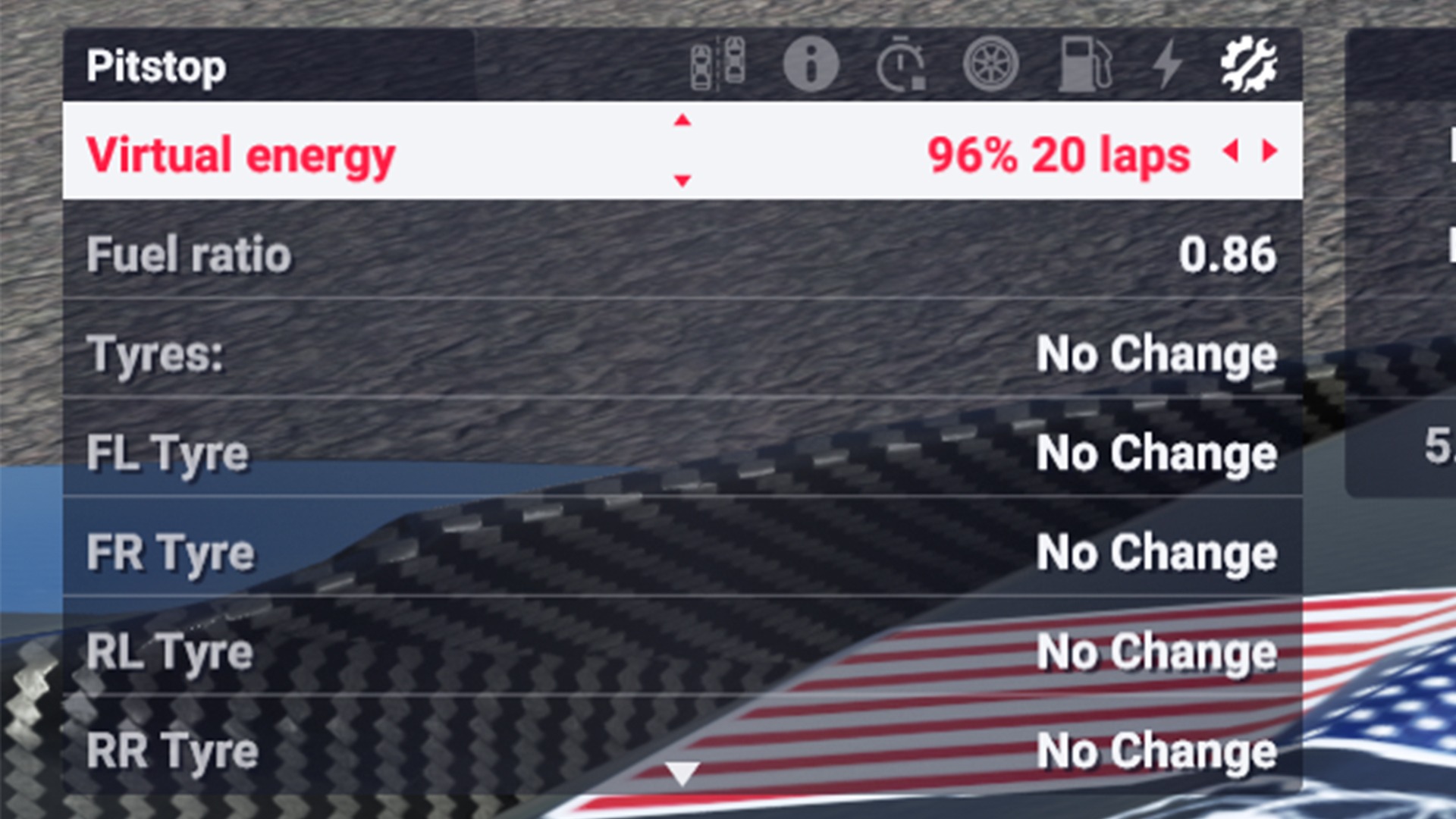
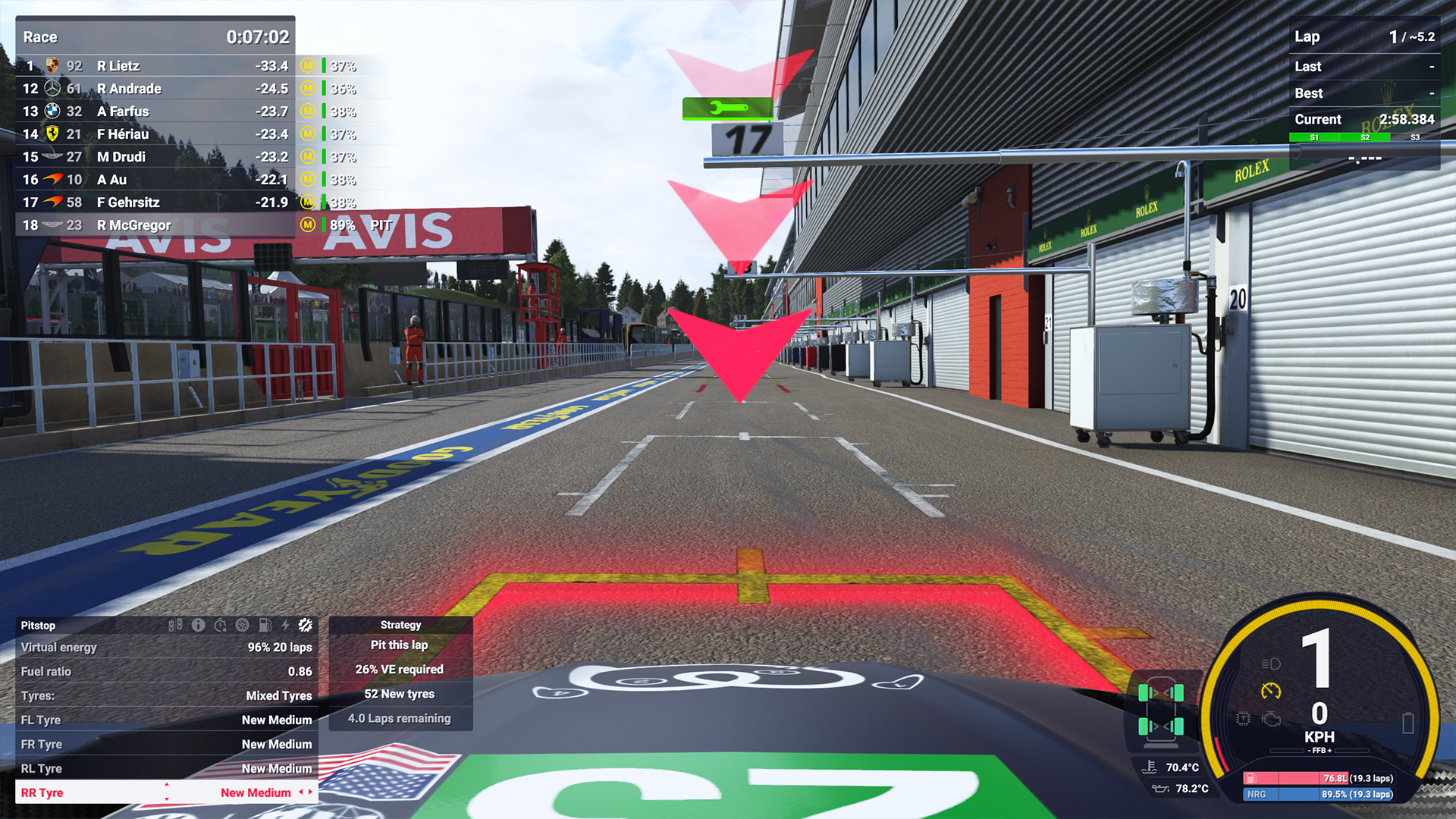
The first step in making a pitstop in Le Mans Ultimate (LMU) is to prepare what you’d like to happen during the service. Most likely, you’ll need to change tyres, add fuel and top up your virtual energy tank.
Understanding the Virtual Energy Tank
The virtual energy tank is the total combined energy available to a car during a race stint, derived either solely from conventional fuel or from a combination of fuel and electrical energy produced by hybrid Hypercars. The virtual energy allowance varies by car to account for differences in fuel economy, controlled by the organisers’ Balance of Performance calculation.
You won’t always require 100% virtual energy or 100% fuel to reach the end of a stint, which is why you can also adjust the fuel ratio setting. For hybrid Hypercars, the fuel ratio setting will be lower than 1.0 to account for their electrical energy output. LMGT3s, on the other hand, use 100% internal combustion engine (ICE) power.
It takes some time to determine the optimal virtual energy-to-fuel ratio, so make sure to complete a few practice laps to gauge how much a full stint requires.
Beware, however, as reaching 0% virtual energy will result in a 100-stop-and-go penalty.
Complete a few practice laps to nail down your optimal virtual energy-to-fuel ratio before race day. For a deeper dive into how hybrid systems work in LMU, see our guide: How to Make the Most of Le Mans Ultimate’s Hybrid Systems.
MFD
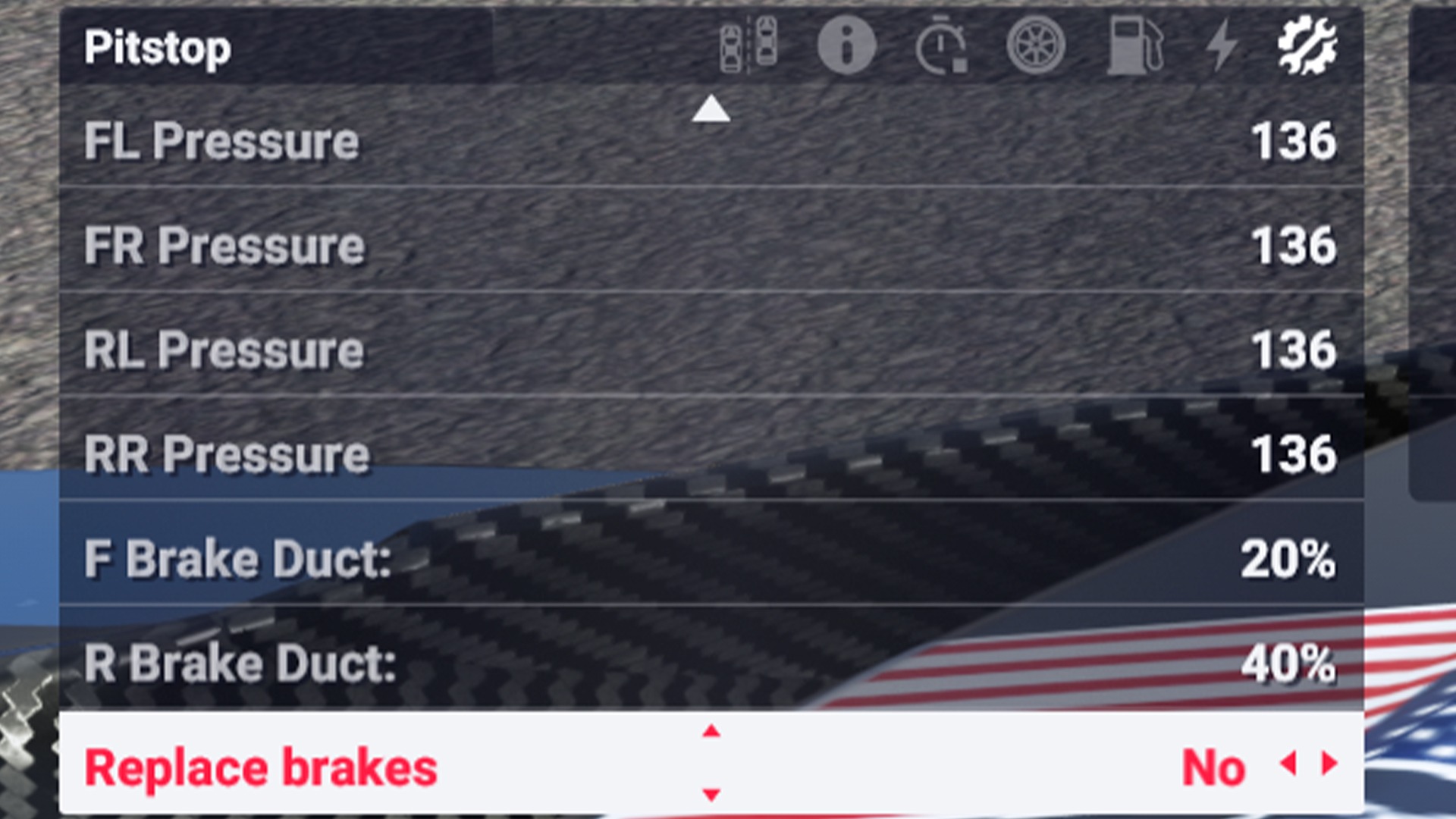
Ensure you have controls mapped to navigate the in-game MFD so you can cycle through the various pit menu options. You can opt to change one, two, three, four, or zero tyres (it will even show whether these tyres are used or worn), and you can adjust their pressures (although the lowest pressure currently offers the most grip in LMU).
If you have any damage, you can also cycle through the options to repair the body, repair nothing or repair all. Bear in mind that repairing damage will add at least 30 seconds to your pitstop time, and increasing depending on the severity.
Brakes can also be replaced, but this is really only necessary for extremely long endurance races (12 hours+), or if they are overheating due to incorrect brake duct settings. Adjustments can also be made to grille tape and rear wing levels, but shouldn’t be required if your setup has been optimised before the race.
See our Le Mans Ultimate Hypercar Braking Guide formore on managing braking performance.
To make sure you are fully prepared for the pitstop, change your pitstop settings a few laps before you stop (if possible). This allows you more mental bandwidth to concentrate on nailing a good in-lap and hitting your marks.
Entering Pitlane
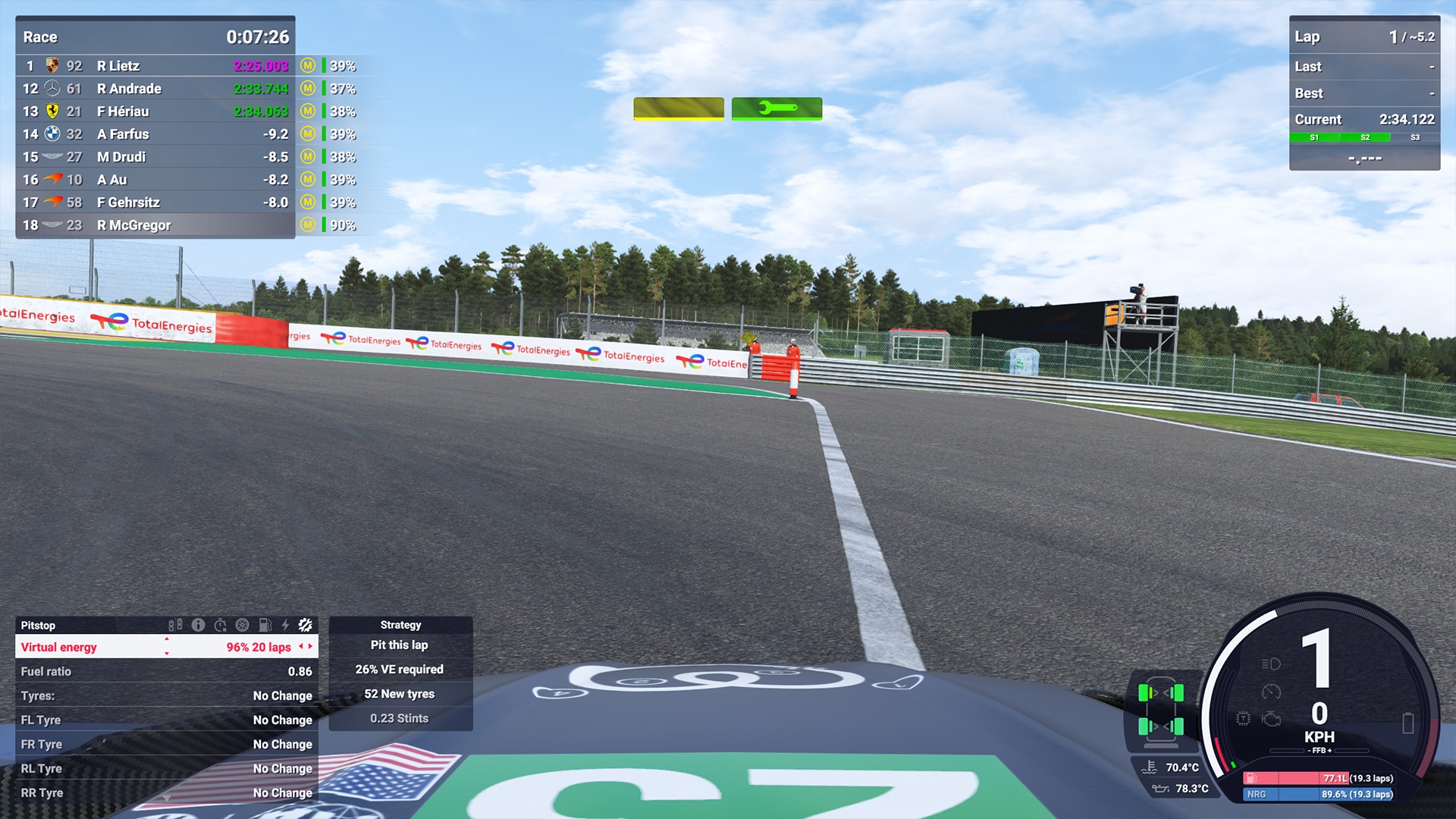
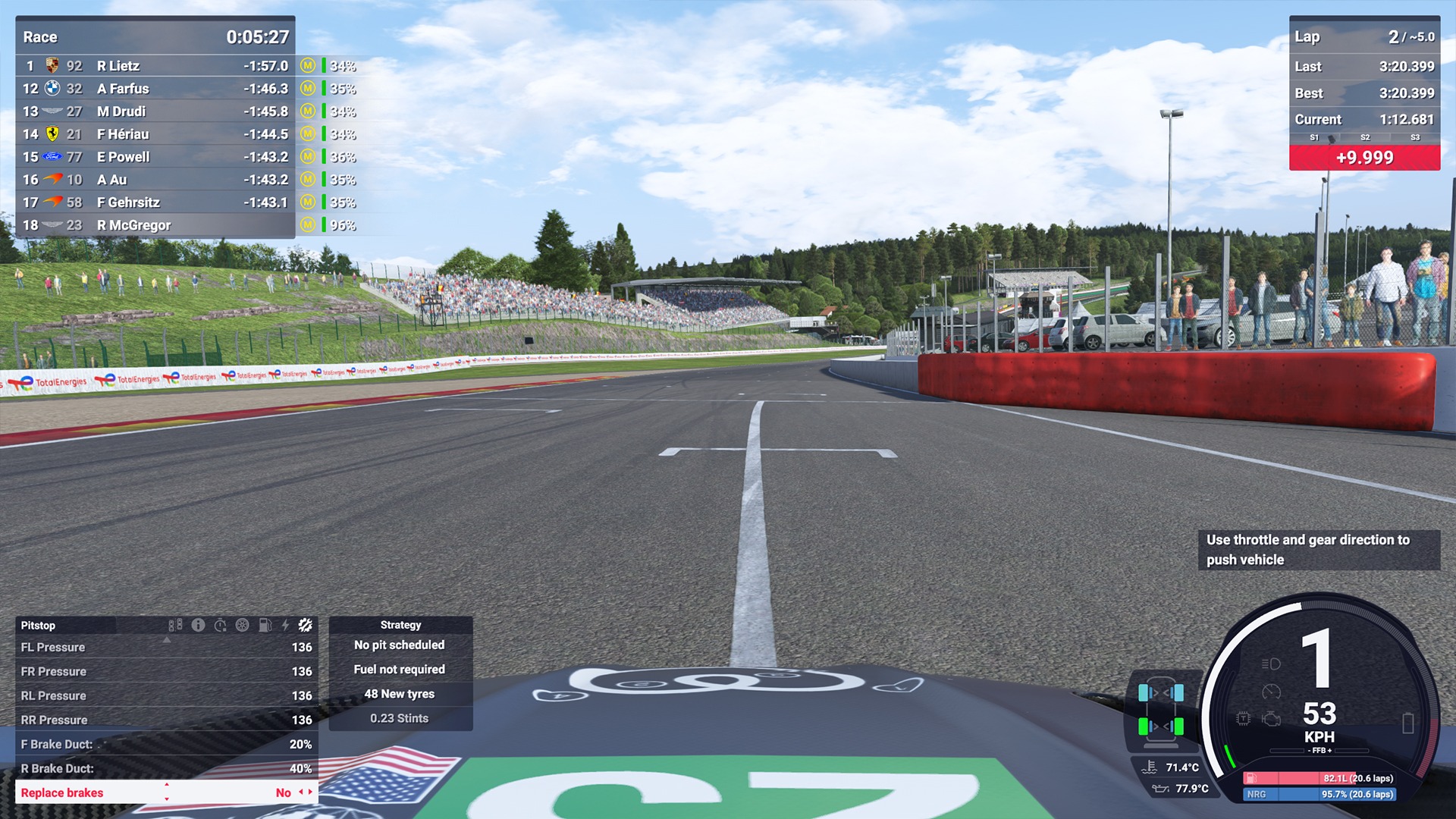
If you aren’t super confident about attacking the entry into pitlane then it’s always best to be cautious. Speeding is punished severely: minor infractions will receive a drive-through penalty, while more egregious rule-breaking will result in a stop-and-go penalty.
It’s also possible to receive a major track limits warning by crossing the bold white line while entering and exiting the pits (images above from Spa-Francorchamps), so again, be conscious of this and drive conservatively if you have to.
Naturally, make sure to have your pit limiter button mapped and hit it just before the speed limit zone. This will stay on all the way through pitlane so you won’t need to reactivate it at any point during the pitstop.
Hit Your Marks
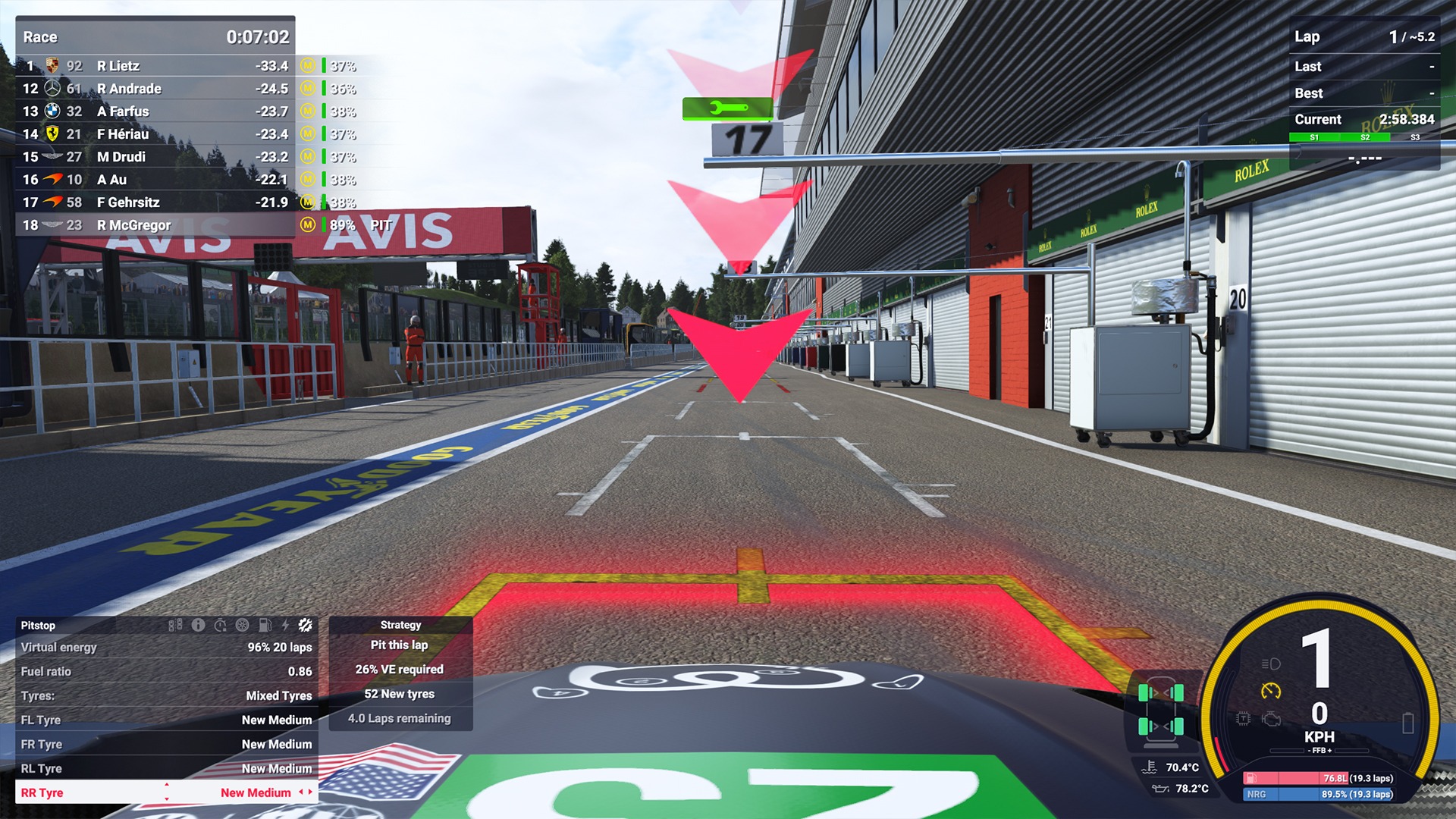
When entering pitlane, concentrate on where your pit stall is; it’ll be denoted by a red box. You don’t have to be ultra precise when stopping inside the box - there are no massive time penalties for this, unlike in Assetto Corsa Competizione - so don’t worry about being super careful; just practice entering the pitbox a few times until you’re confident.
Once stopped, your pit crew will perform the pitstop, and all you have to do is get ready to go when the service stops.
How to Save Time in the Pit Stop (LMU Strategy)
You will save a lot of time by simply judging your entry into pitlane and your pitbox correctly. However, you can also save time by choosing to swap fewer than four tyres. Two tyres will take five seconds, compared to 12 seconds to change all four. Oddly, it also takes five seconds to change one tyre and 12 seconds to change three tyres.
The advantage of taking only two tyres is that you will exit the pits with two tyres close to optimum temperature, offering more grip. Given tyre warmers are banned in WEC, this offers a small advantage for the first couple of outlaps. Doing this will also save two new tyres for later in the race, which could be crucial during LMU’s longer events.
Obviously, if you can save fuel, you will require less during a pitstop. Through short-shifting and lifting and coasting techniques (lift and coast refers to lifting off the throttle ahead of a braking zone, using the car’s aerodynamic drag to slow the car down initially, thereby saving fuel), you will spend less time topping up your virtual energy and fuel tanks during a pitstop.
Another item to note is that you must avoid pitting with 0% battery charge when driving an LMDh Hypercar. Doing so means you won’t be able to restart the car after your pitstop.
Driver Swaps
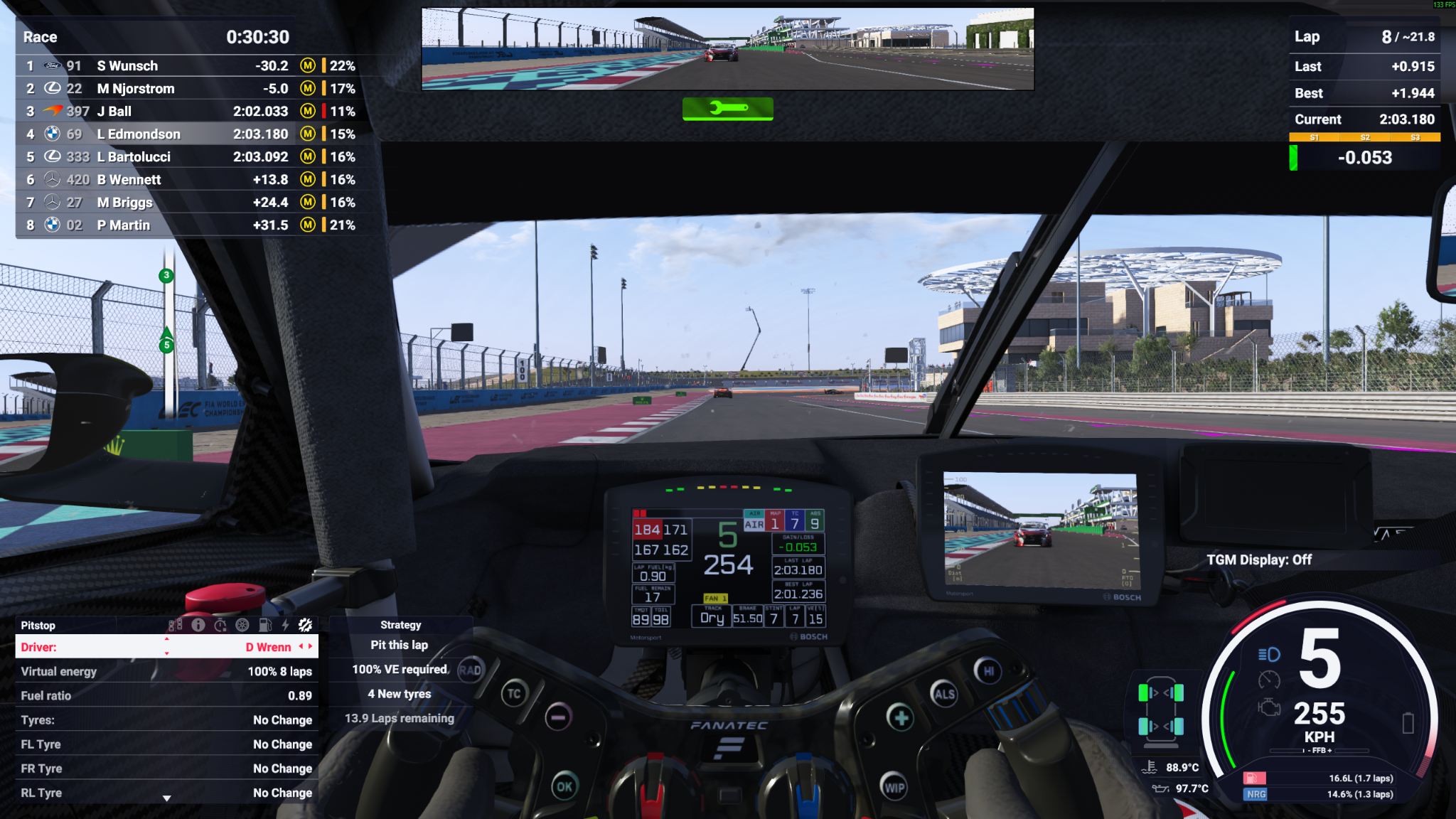
LMU supports multiplayer driver swaps, and thankfully, they’re easy to perform.
How to Perform a Driver Swap
Once you and your co-driver(s) have signed up and joined an event’s race server, you will simply prepare your pitstop menu as you normally do, except under the driver sub-section, you scroll to select the driver you want to take over the car (as in the bottom-left corner of the image above).
When safely boxed, the driver swap will take place, with both exiting and entering drivers clearly notified on its progress.
Once the pitstop is complete, the selected driver takes control of the car.
See our How to Perform a Driver Swap in Le Mans Ultimate guide.
Engineer Roles in LMU Multiplayer
When part of a team at LMU, you can select specific roles for each driver, split among driver, engineer, manager, and team owner.
In this case, those assigned as engineers can alter the pitstop strategy of their team’s car during online races, allowing the driver to fully concentrate on the track ahead - vital given that LMU often features chaotic multi-class events.
To understand why driver swaps and team roles are shaping the future of the game, read: What Driver Swaps Mean for the Future of Le Mans Ultimate.
FAQ
How long does a pit stop take in Le Mans Ultimate?
A basic pit stop with two tyre changes takes around 5seconds of service time. A four-tyre change takes 12 seconds. Fuel top-ups addadditional time based on how much fuel is required. Damage repairs add aminimum of 30 seconds, with more severe damage costing significantly more.
Is it worth changing only two tyres in LMU?
Yes, in most scenarios. A two-tyre stop costs 5 seconds vs.12 seconds for all four. You also exit on two tyres closer to operatingtemperature — a real advantage since WEC bans tyre warmers. You’ll alsoconserve two sets of fresh tyres for later in the race. The trade-off isreduced grip on the older axle, so it’s most effective mid-race or when tyredegradation is low.
What happens if I pit with 0% virtual energy?
Reaching 0% virtual energy on track results in a100-stop-and-go penalty. For LMDh Hypercars specifically, pitting with 0%battery charge means the car cannot be restarted after service, ending yourstint prematurely. Always monitor your virtual energy and fuel levelscarefully.
How do driver swaps work in Le Mans Ultimate multiplayer?
All drivers must be signed up to the race server beforehand.Before entering pitlane, open the MFD and scroll to the driver sub-section,then select your co-driver. When you safely box, the swap happensautomatically, and both drivers are notified on-screen. The incoming drivertakes control as soon as the stop is complete.
What does an engineer do in LMU team races?
An engineer can remotely adjust the car’s pit stop strategyduring a live race, removing that responsibility from the driver. This isparticularly valuable in chaotic multi-class events where driver focus iscritical. You can assign engineer, manager, team owner, and driver roles withinLMU’s team setup.
Can I change tyre pressures during a pit stop in LMU?
Yes, tyre pressures can be adjusted through the MFD pitmenu. However, at the time of writing, the lowest available pressure settingoffers the most grip in Le Mans Ultimate, so in most cases you’ll want to leavepressures at their minimum. Monitor this in case future updates adjust the tyremodel.


