Workshop Maps Guide
The Easiest Way to Play Workshop Maps in Rocket League
Play your favourite Workshop Maps directly through trophi.ai
No Steam. No BakkesMod. No Workarounds.
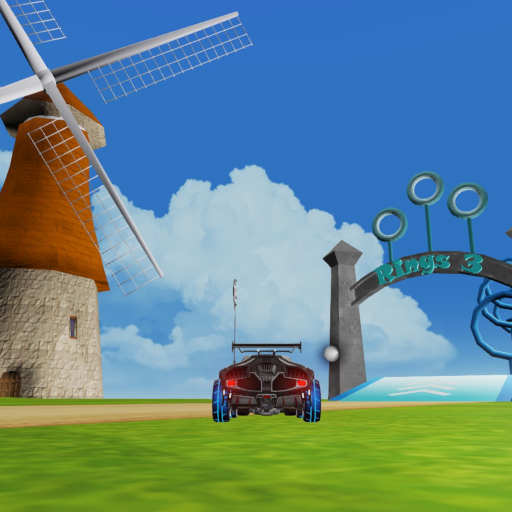
Speed Jump: Rings 3
Fast-paced aerial rings designed to sharpen precision, momentum, and air control. Difficulty: Intermediate. Best for intermediate players who want deliberate reps training mid-air momentum control and aerial ring navigation.
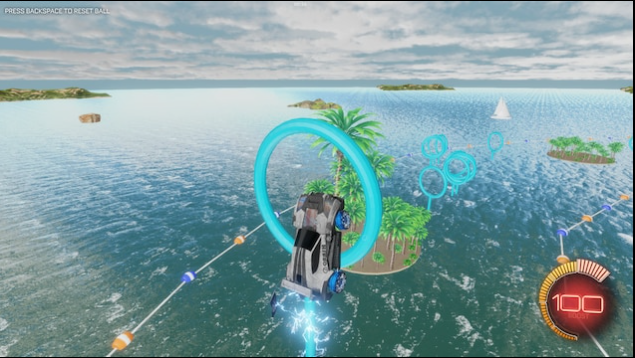
Speed Jump: Rings 2
A progression-focused rings map that builds consistency and aerial confidence. Difficulty: Intermediate. Ideal for intermediate players learning to read ring patterns and lock in reliable aerial mechanics under pressure.
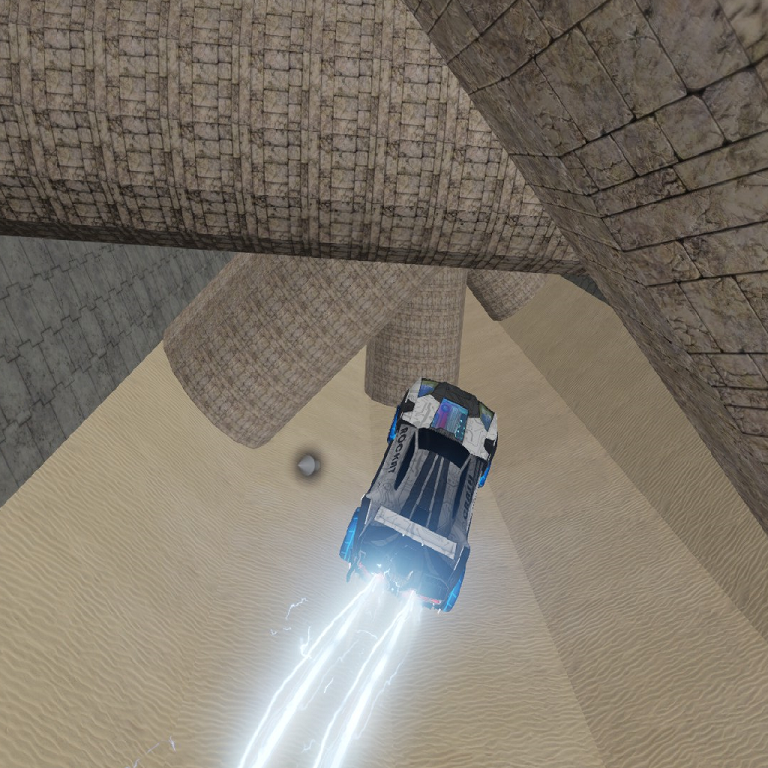
Speed Jump: Trials 1
An accessible movement course focused on recoveries, speed, and car control fundamentals. Difficulty: Easy. Perfect for beginners developing foundational car control, speed management, and recovery habits before tackling aerial maps.
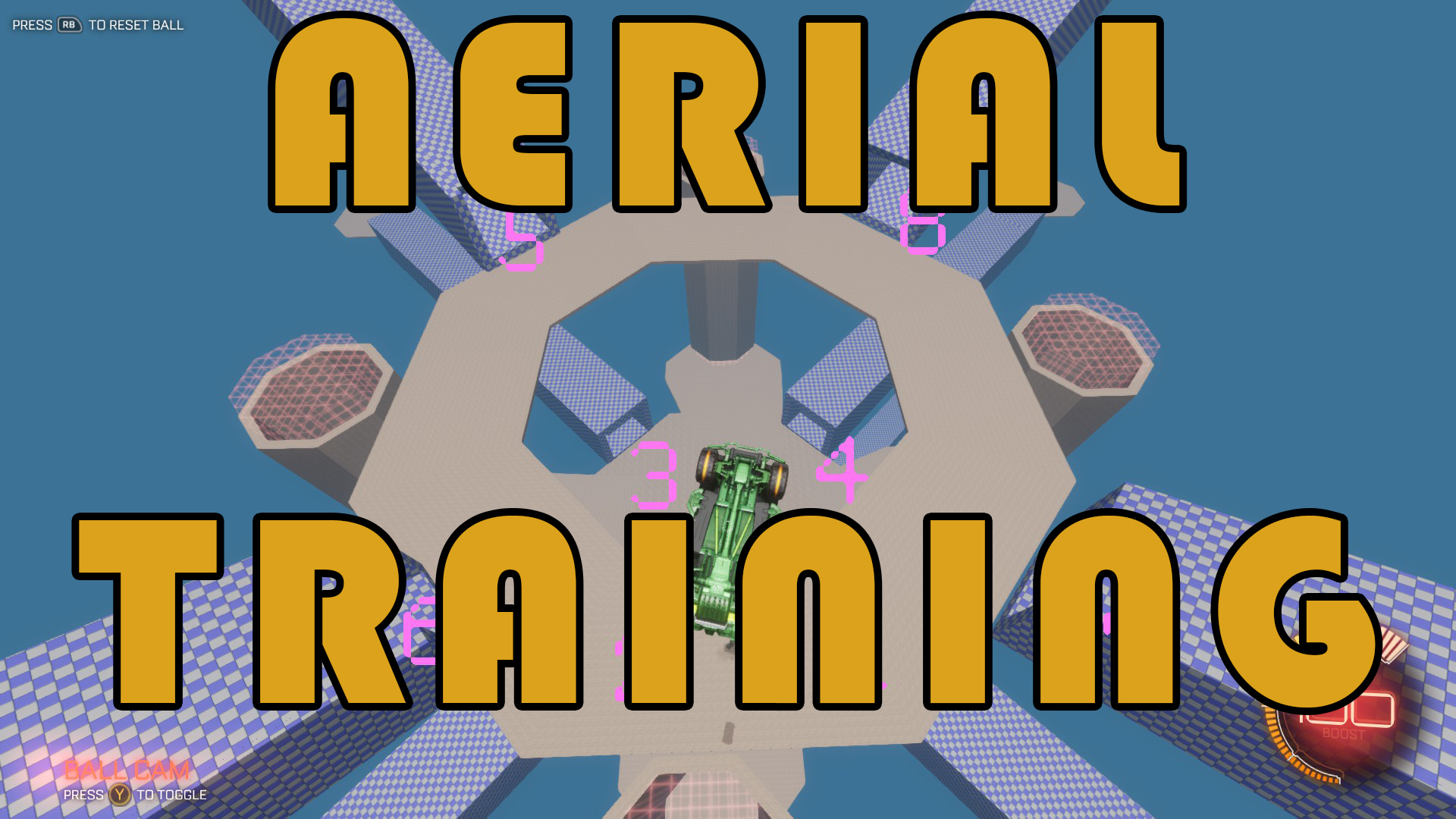
Aerial Training
Structured aerial challenges with fixed spawns for fast, repeatable reps. Beginners use it to learn aerial mechanics from scratch while intermediate players use it to build muscle memory through consistent, pressure-free repetition.
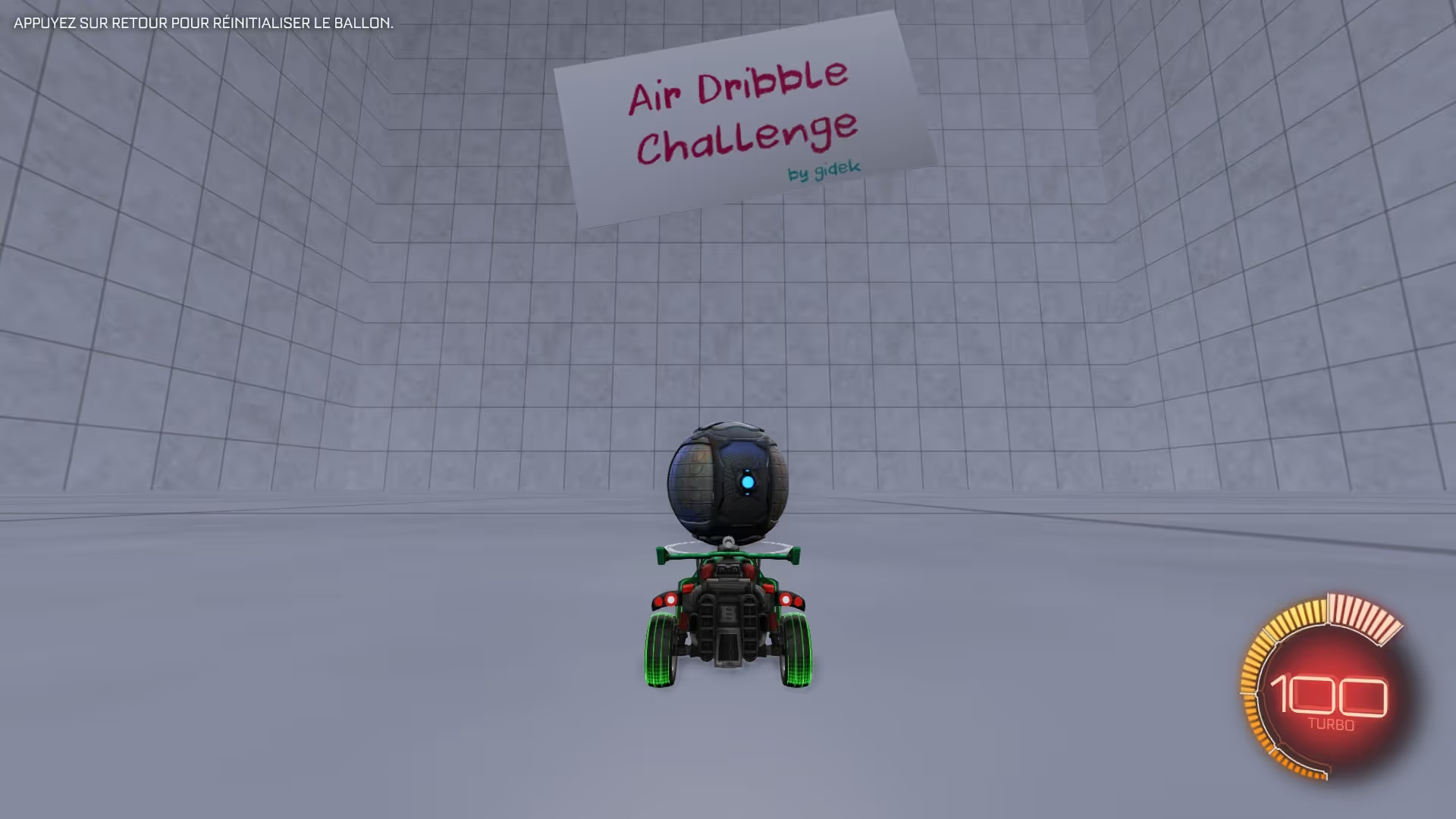
Air Dribble Challenge
Progressive air dribble setups built to improve touch control and aerial consistency. Best for intermediate players ready to develop the precise touch and timing required for reliable air dribbles in real matches.
Lethamyr's Giant Rings Map
Large-scale aerial rings focused on smooth movement and high-speed control. A great entry point for beginners learning aerial movement.
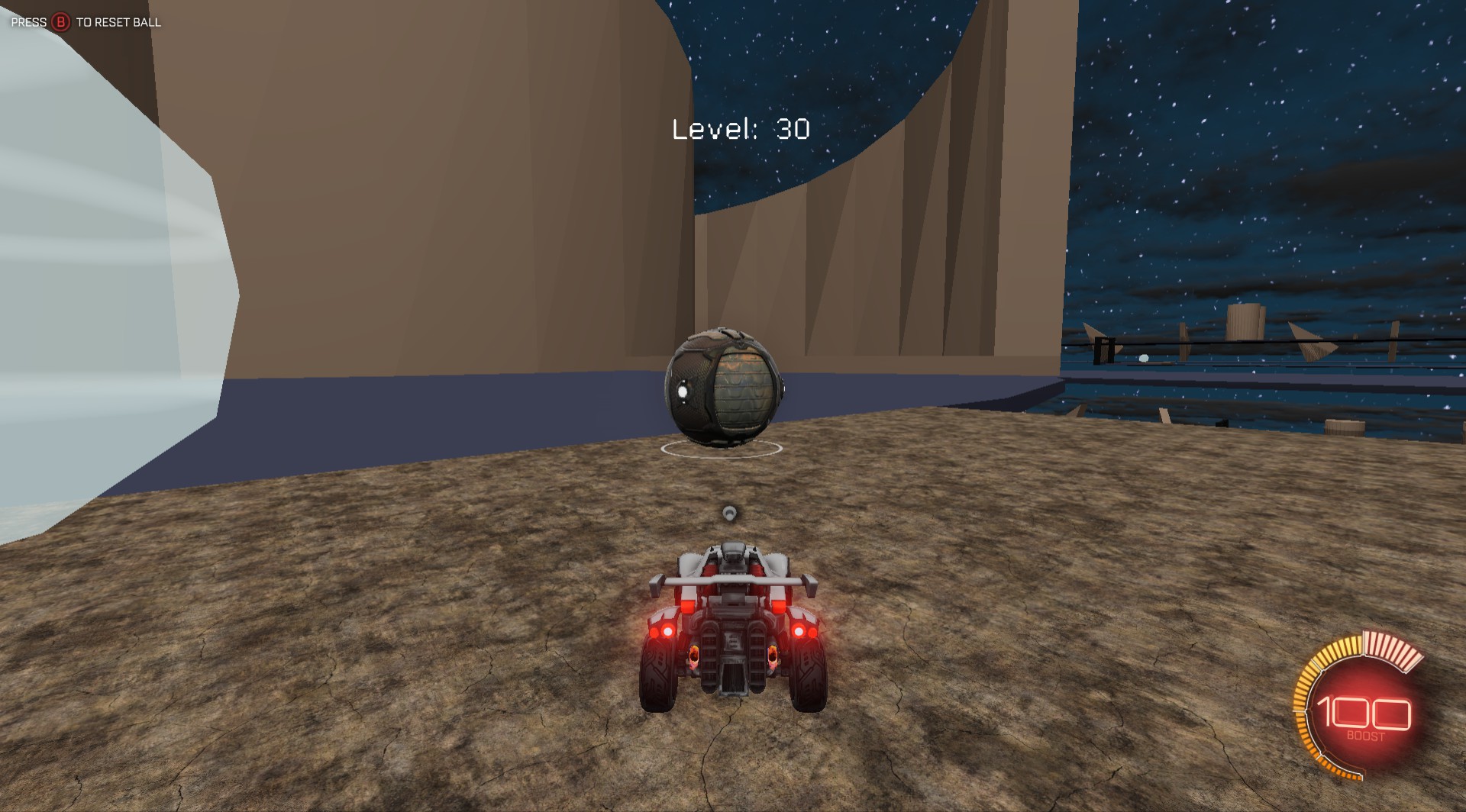
Dribbling Challenge #2
A classic dribbling course built around close control, patience, and consistency. Ideal for intermediate players committed to mastering ground dribbling. It trains the mechanical patience and touch control that separates good players from great ones.
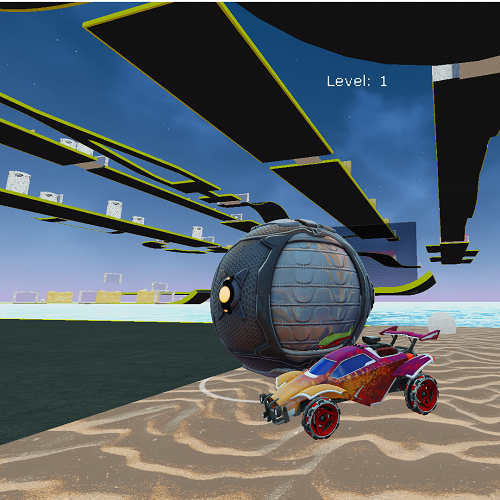
Dribble 2 Overhaul
A smoother version of Dribbling Challenge #2 with faster resets and uninterrupted practice. Perfect for intermediate players who want to maximize dribbling reps
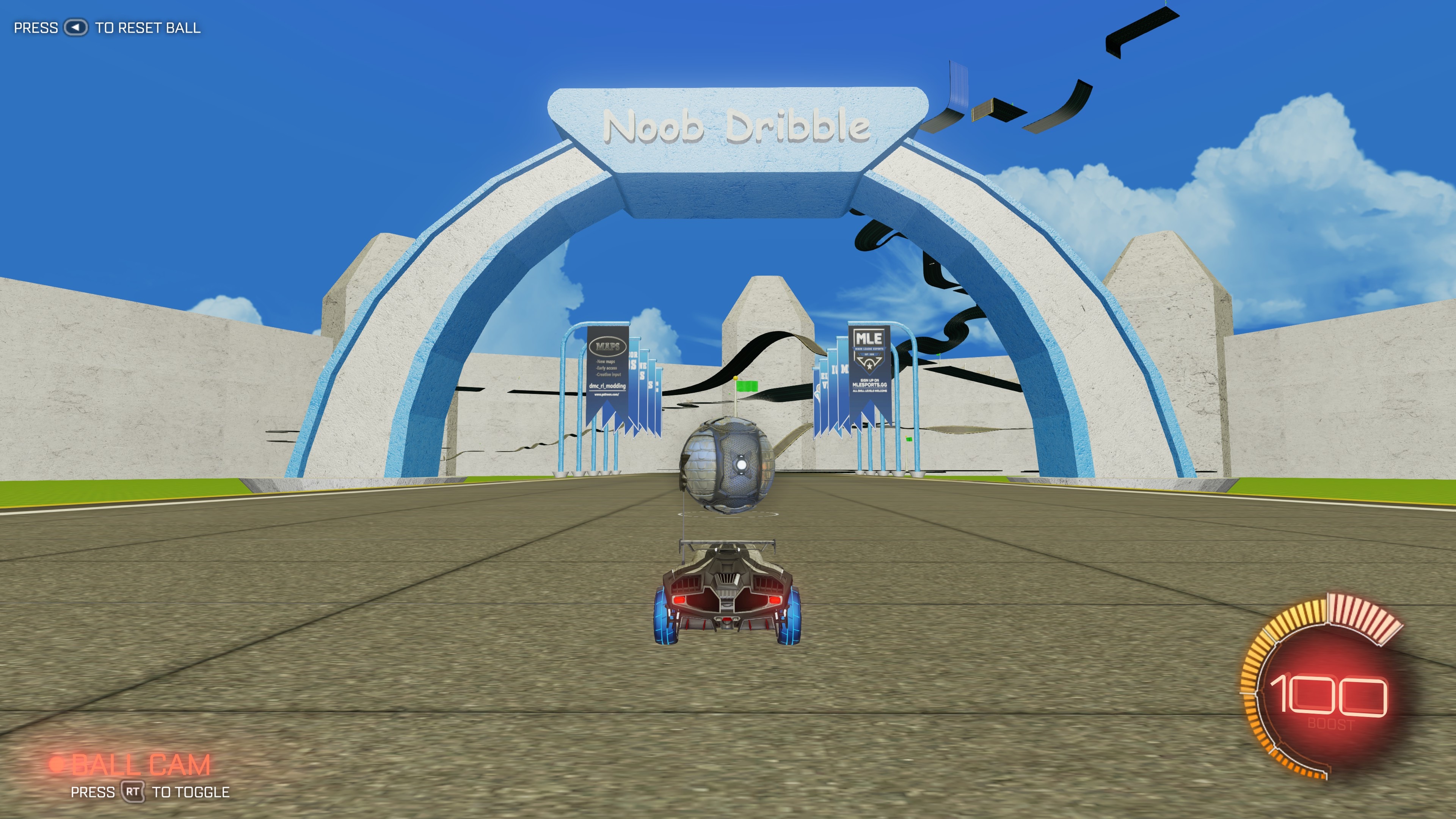
Noob Dribble
Beginner-friendly dribbling challenges designed to build confidence and ball control. Difficulty: Intermediate. Best for newer players building the foundational ball-car connection and dribbling habits needed before tackling harder courses.
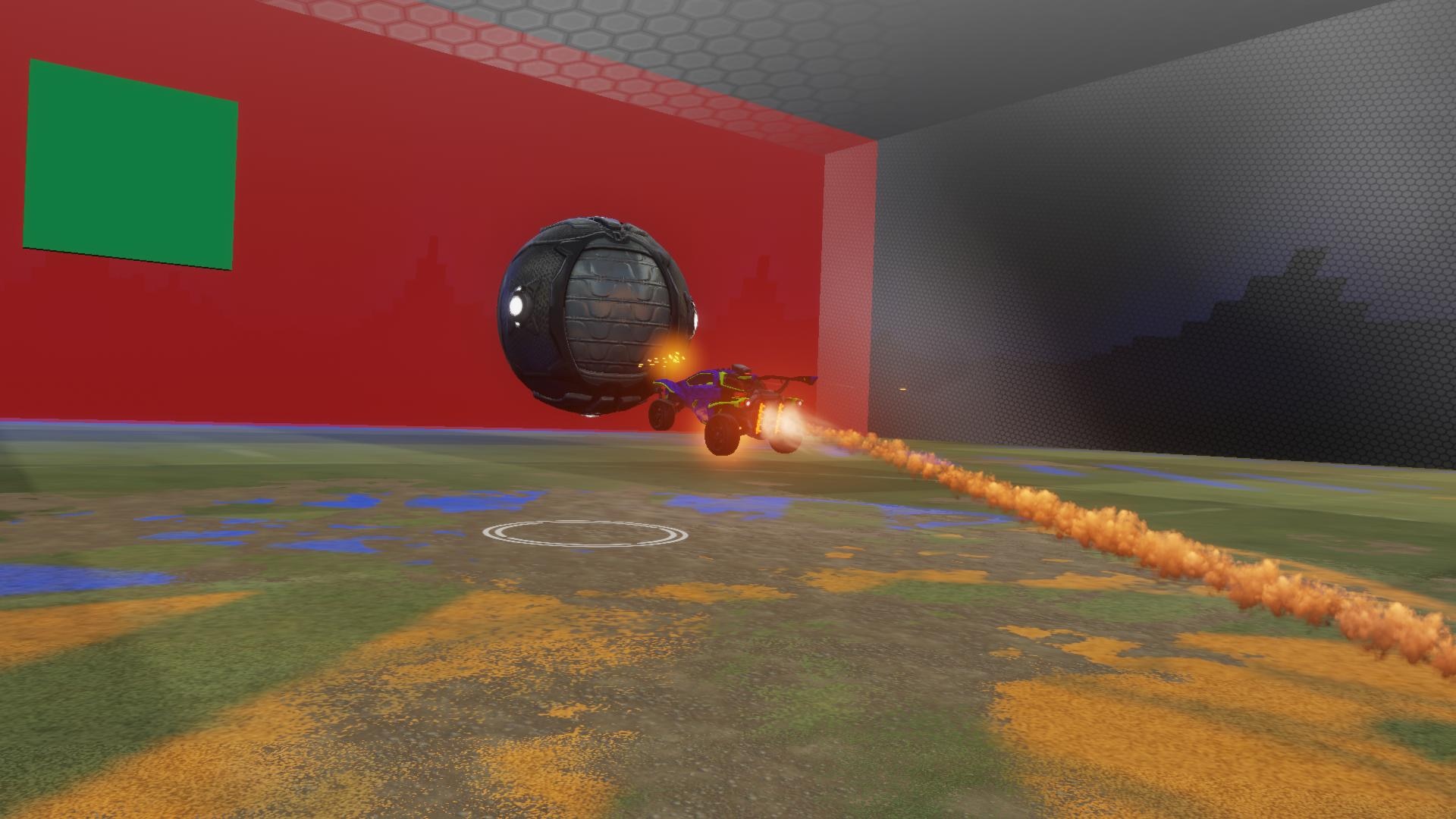
Aim training
Precision shooting drills focused on consistency, accuracy, and shot placement. Easy / normal / hard mods. Suitable for all skill levels. The adjustable difficulty modes let players at every rank train shot accuracy and shot placement in a focused, repeatable environment.
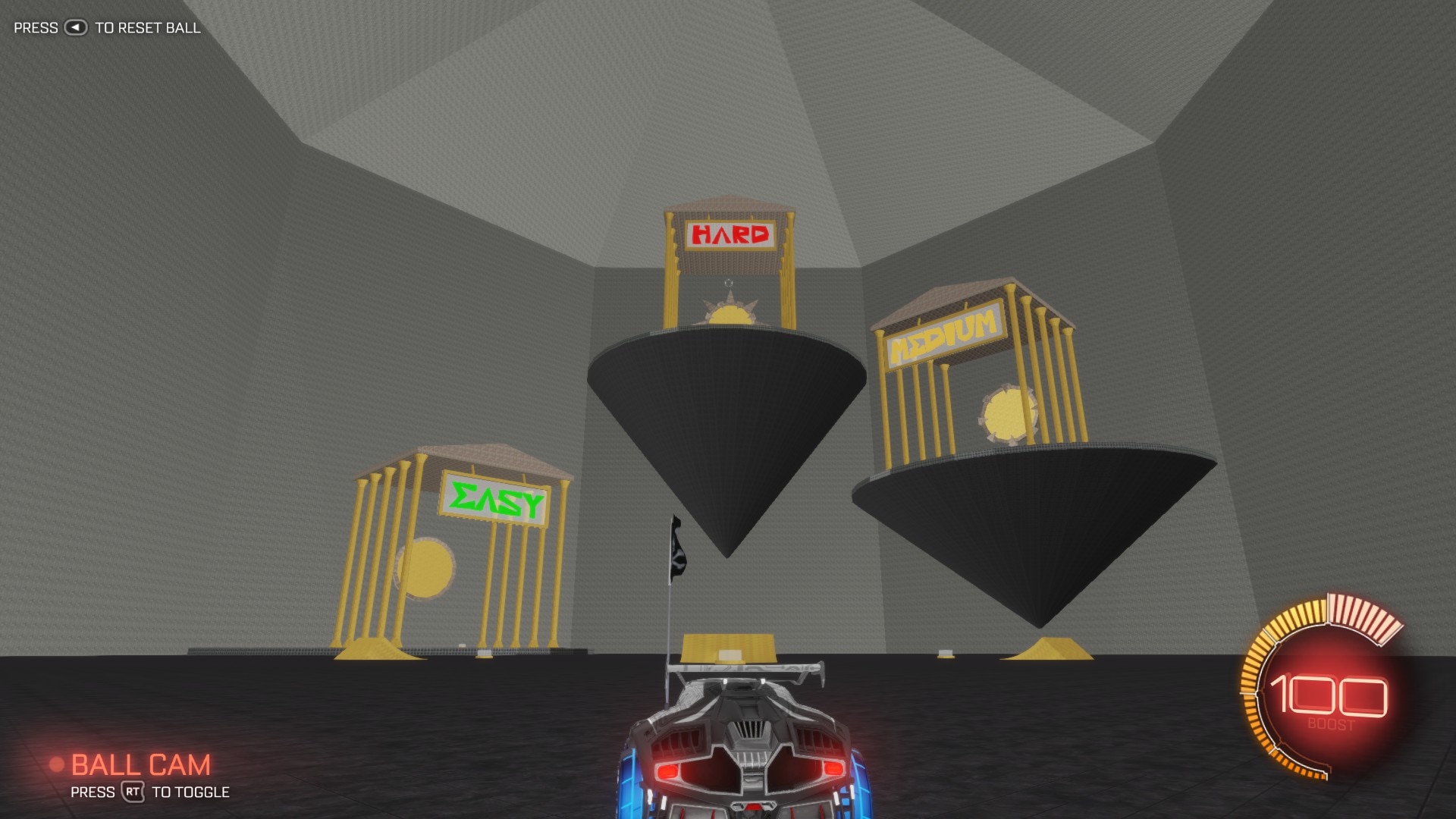
Speed Jump: Boost
High-speed aerial challenges focused on boost efficiency and advanced movement control. Difficulty: Extreme. Built for advanced and elite players pushing the limits of aerial movement, it trains boost management and high-speed directional control under extreme pressure.
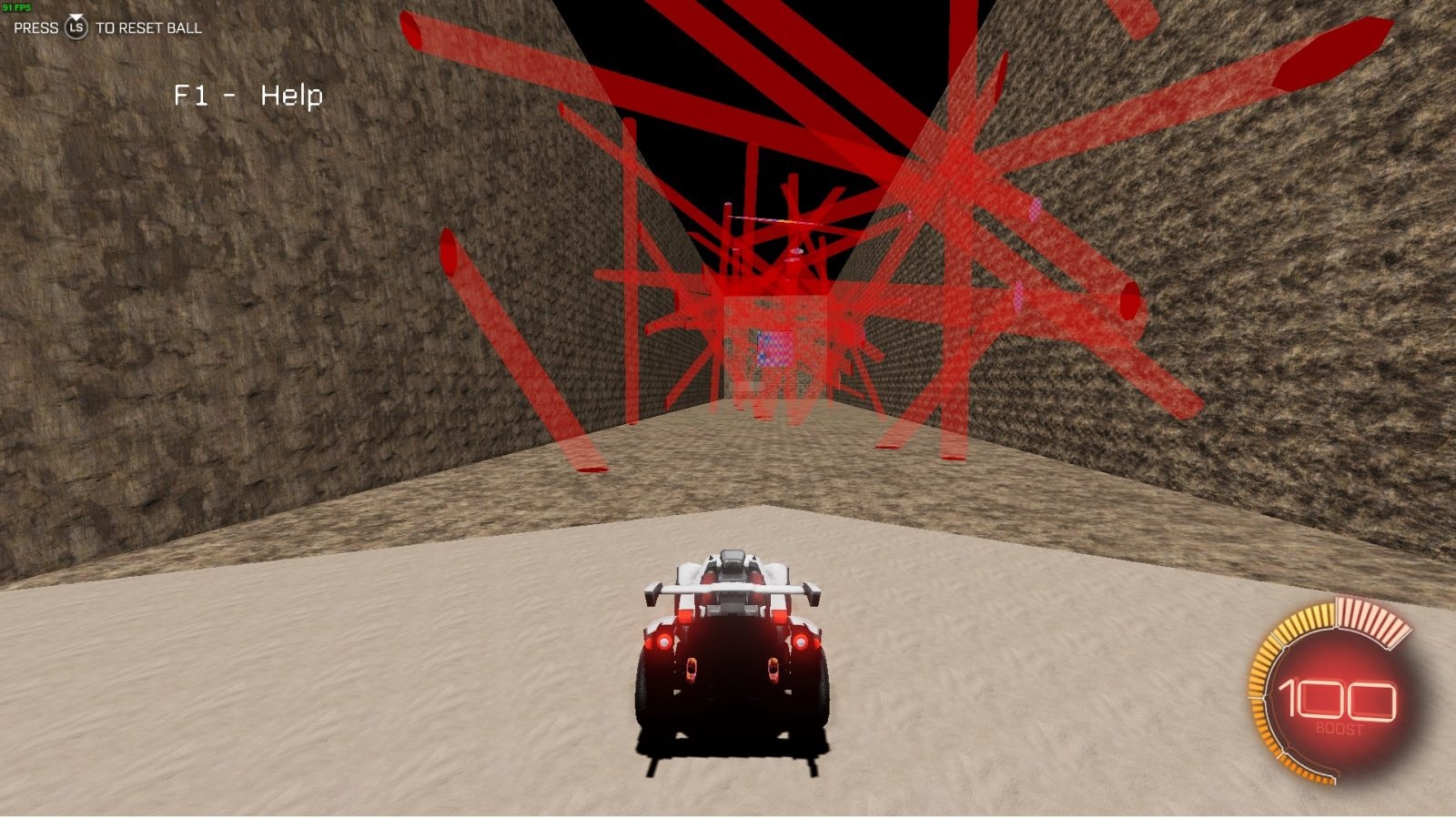
Parkour-Map
Movement-focused parkour challenges designed to improve recoveries and positioning. Great for beginners and intermediates looking to sharpen recovery timing, car control, and spatial awareness through varied, obstacle-based movement challenges.
Trusted by competitive players • Thousands of games analyzed • Built with pro-level mechanics in mind


Watch it in Action
HOW IT WORKS
Step 01
Create an Account & Install trophi.ai
Download the trophi.ai desktop app for PC and sign in.
Step 03
Launch & Start Training
Choose a map and click Launch. trophi.ai opens it automatically in Rocket League.
How to Launch Maps

The App That Helps You Play Better Rocket League
trophi.ai analyzes your gameplay in real time and turns every match into personalized coaching, training, and improvement insights.

Understand What’s Holding You Back
Train What YOU Actually Need
Coaching That Adapts To You
Your Fastest Path to Ranking Up